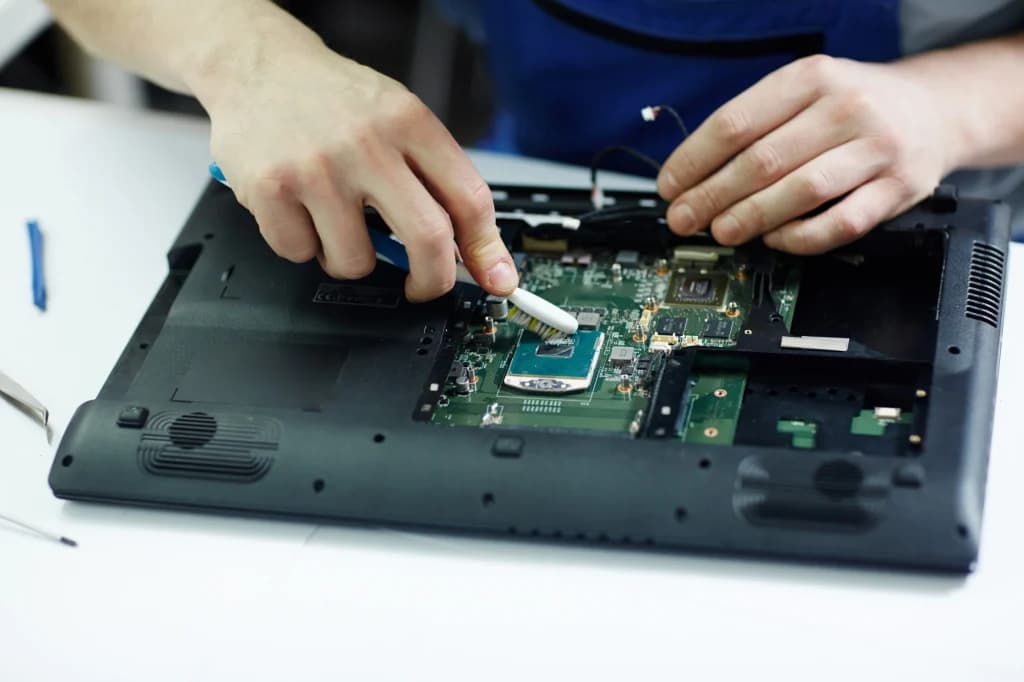
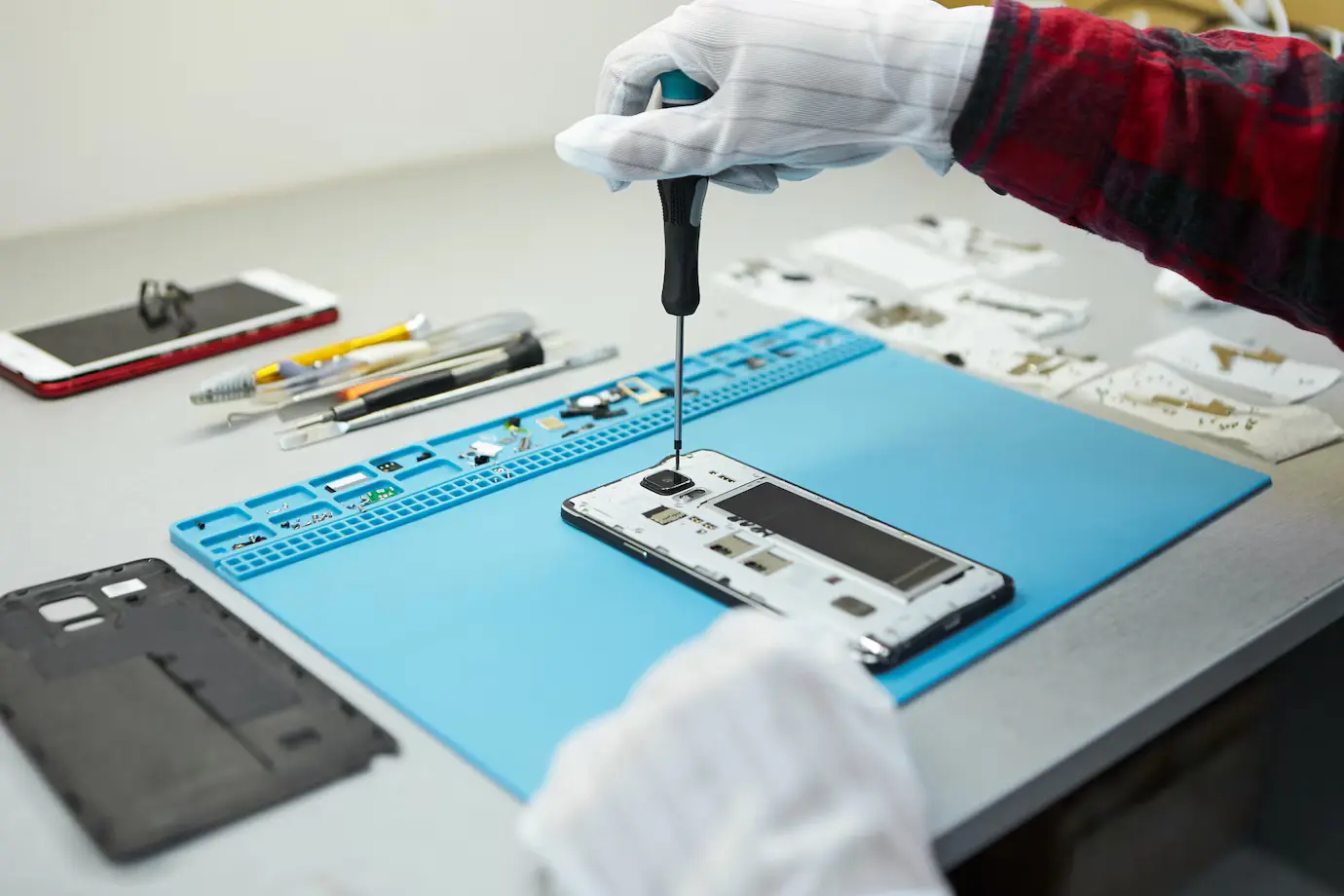
Record the symptom before changing anything
Ask what happened before charging stopped: a fall, moisture, a new cable, intermittent charging or a gradual battery decline. Record the model, visible damage and whether the phone powers on. Get permission before any action that could affect customer data.
A blank screen is not proof that the phone has no power. Listen for sounds or vibration and check whether a computer detects the device. Keep the observed symptom separate from the suspected cause.
- Record model and condition
- Ask about liquid exposure
- Check for heat or battery swelling
- Agree on data-handling limits
Rule out the simple external causes
Test with a known-good, compatible charger, cable and outlet. Inspect the cable ends and charging port under good light. A loose plug, lint or damaged pins can imitate a deeper fault. Do not force a connector or scrape a port with metal tools.
If the phone is unusually hot, swollen, smoking or giving off an unusual smell, stop charging it and isolate it safely. A damaged lithium-ion battery needs trained handling, not another charging attempt.
Use measurements to narrow the fault
After the external checks, a trained technician can compare input, battery and board behavior using suitable test equipment and the exact model's service information. Work through the power path in order. Avoid replacing the port or battery only because those parts are common failures.
Continuity and resistance checks belong on an unpowered circuit unless the equipment and procedure explicitly require otherwise. Voltage checks require a powered circuit, a known reference point and controlled probe placement. Record readings so the conclusion can be reviewed.
Verify the repair and protect the customer's data
After any repair, check that charging starts reliably with more than one compatible setup, the connector remains stable, the device does not overheat and normal functions still work. Record what was tested and what could not be tested. Never factory-reset or access personal content without explicit permission.
Use the model-specific manufacturer manual for disassembly, parts and post-repair checks. Our learning library links to official manuals and independent repair guides.
Repair procedures involve heat, electricity, fragile parts and customer data. Practise under qualified supervision and work only on devices you are authorized to service.