Define what 'not turning on' means
A laptop with no lights or fan response is different from one that powers on but shows a black screen. Record the exact behavior: charge LED, keyboard lights, fan movement, display image, sounds and any recent spill or impact. Check whether the machine briefly starts and then stops.
Before opening it, ask whether the customer needs the data preserved. A diagnosis should not involve resetting firmware, formatting storage or replacing a board without discussing the data consequences.
- No power at all
- Power but no display
- Starts then shuts down
- Charges intermittently
Check the power source and external setup
Confirm the outlet works and the adapter is the correct type and rating for that laptop. Inspect the cable, connector and charging port for damage. Remove external peripherals and observe whether the behavior changes. A known-good compatible adapter can help separate an adapter fault from a laptop fault.
Do not assume that a lit charge indicator proves every power rail is healthy. It is one clue in a sequence, not a complete diagnosis.
Follow the exact model's service instructions
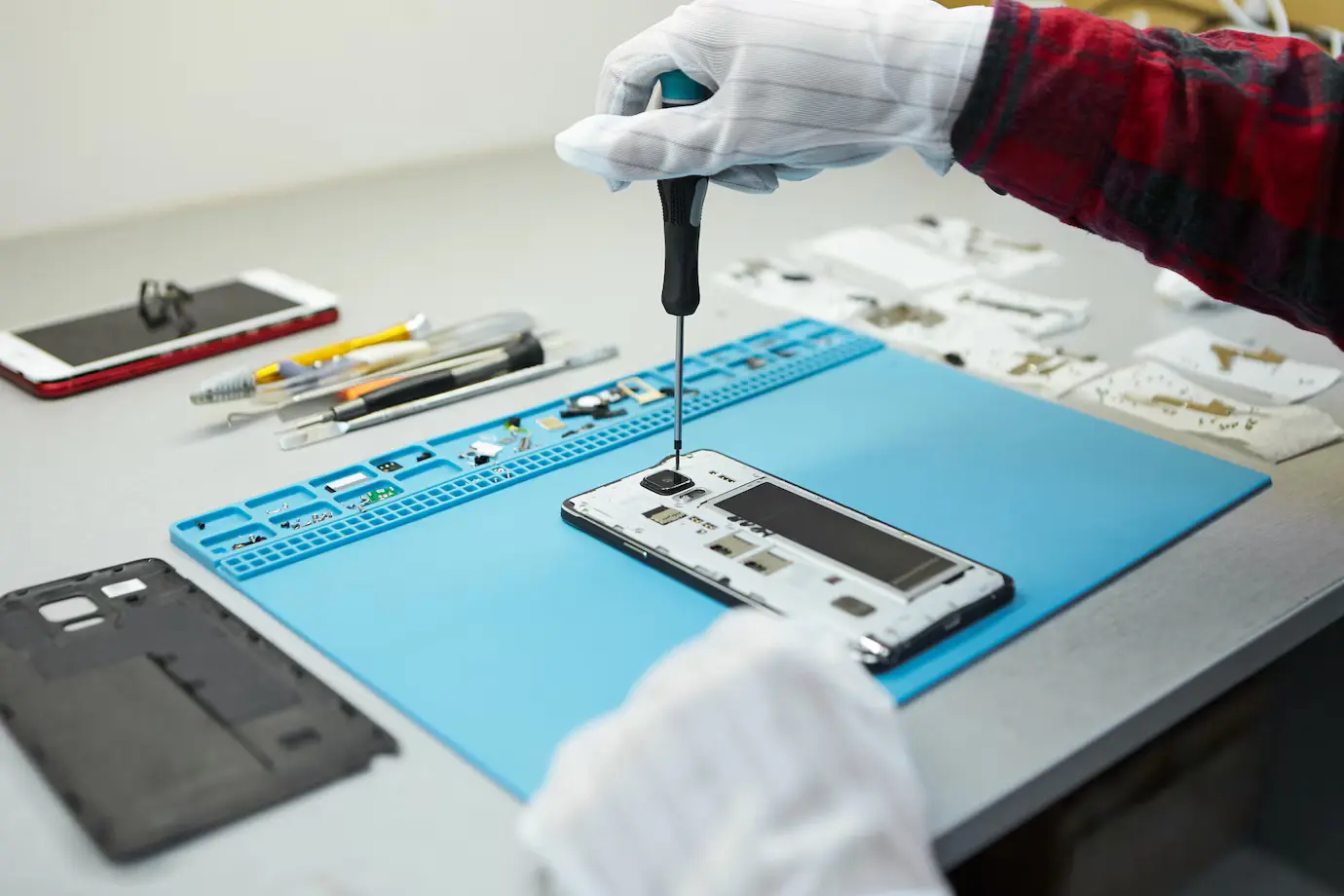
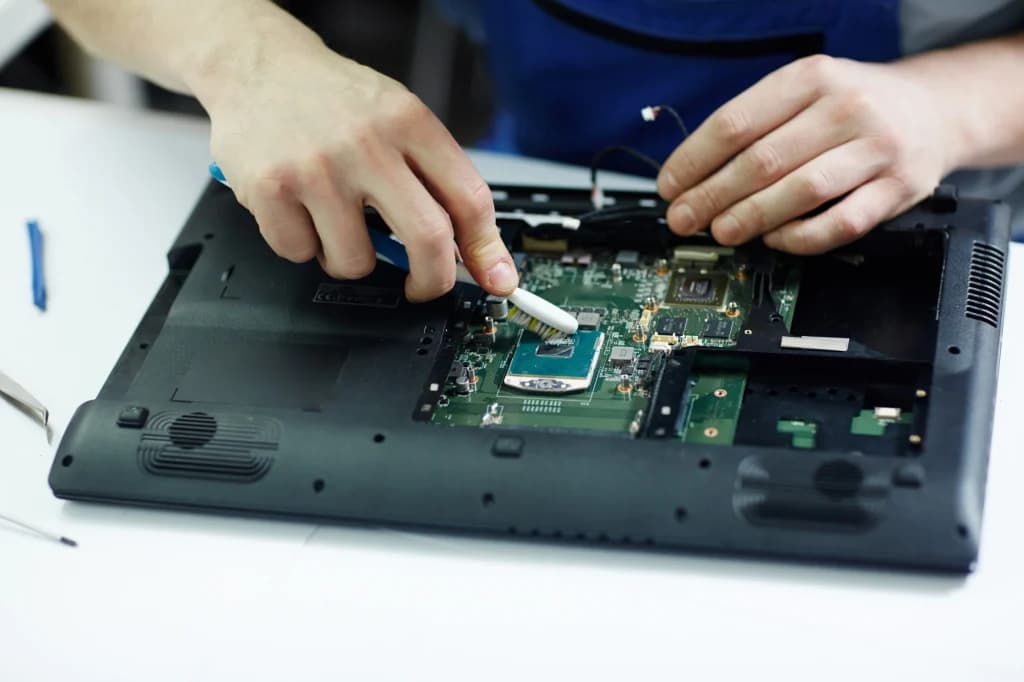
If external checks do not explain the symptom, identify the full model and consult its service manual before disassembly. Power down, disconnect mains power and follow the manual's battery-disconnect and electrostatic-discharge precautions. Internal batteries and connectors differ between models.
Board-level measurements should be made only by someone trained to select the correct reference points and work around energized circuits. Write down the symptom, test conditions and readings; avoid guessing from a single measurement.
Finish with a repeatable verification
After a fix, test startup from both adapter and battery where supported, charging behavior, display, keyboard, storage detection and a normal shutdown and restart. Explain any remaining uncertainty to the customer. A repair is complete only after the original symptom has been reproduced and then shown to be resolved.
Repair procedures involve heat, electricity, fragile parts and customer data. Practise under qualified supervision and work only on devices you are authorized to service.